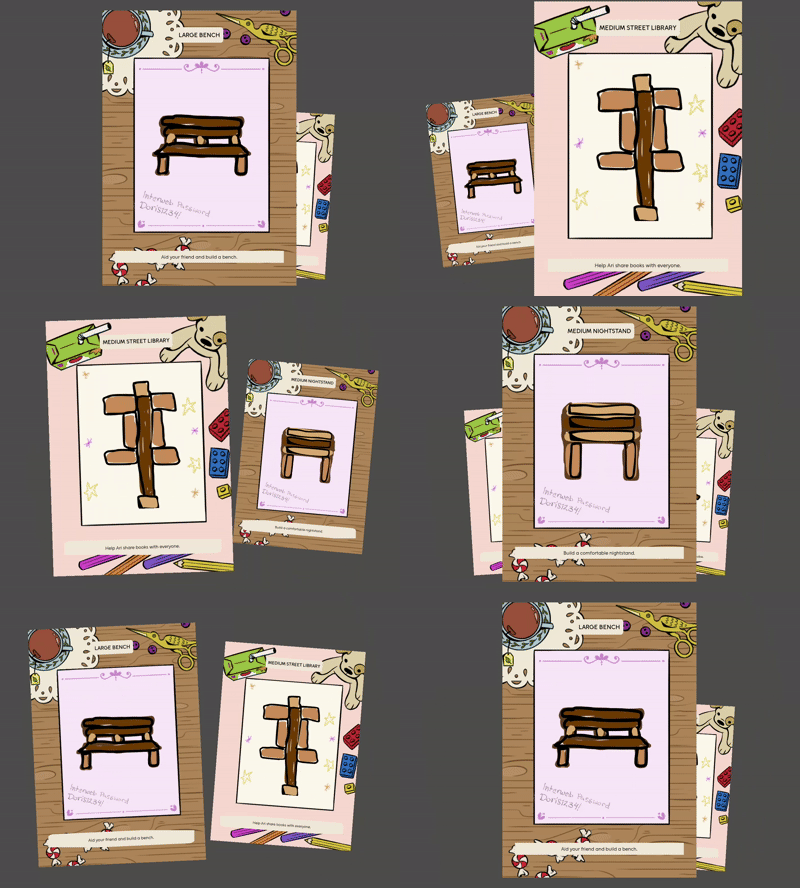
That carousel had a problem. It worked great with the keyboard as the input device. But with a controller it would skip past every card until it reached the first or last card.
What’s going on?
The answer is in the behaviour of the controller joystick, which is what I was using for left and right.
The carousel didn’t feel good when moving more than one card at a time. If I pressed right twice, the animation would move to the right one card and then stop because the second input happened during the animation so it was ignored.
So I maintained an input buffer. A simple int which tracks the number of left and right button presses. -1 for a left and +1 for a right. Then when an animation finished, the carousel would check the input buffer and automatically start the next animation. It worked great!
…on the keyboard.
With the controller, the joystick was producing multiple input events for a single right or left input. The joystick doesn’t just emit left, right, and neutral. Rather, it emits, for example -1, -0.8, -0.3, 0.0, 0.4, 0.7, 0.9, 1 giving several positions on the continuum between left and right.
So I debounced it. I already wrote an AnalogInputDebouncer so I just had to plug it into the carousel input events.
var direction: Vector2 = _move_debouncer.vector2(
  Input.get_vector("move_left", "move_right", "move_up", "move_down")
)
if direction.x < 0:
  _backward()
elif direction.x > 0:
  _forward()
The debouncer will ignore all those values between -1 an 1 (exclusive) and only return a non-zero direction vector when the value meets the threshold (-1 or 1). The threshold can also be adjusted but that’s details details.
Now the carousel works nice on the keyboard and the game controller!