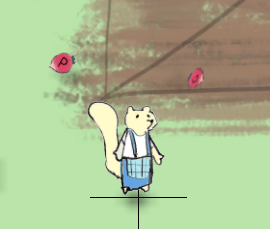
Yesterday I turned off billboarding for all the game objects. But I might’ve thrown out the baby with the bath water. The screenshot above shows two sprites that aren’t facing the camera. It’s because crops get thrown around so they don’t always land square to the camera.
Turning billboarding back on for those for now.
Downside of the Component architecture is I have to go into the scenes for each crop and update that manually. Those settings aren’t all shared across the board.
…
Got different crop types defined. Harvesting tomatoes reverts the growth stage to “mature.” Harvesting garlic reverts to “seeded.” And harvesting cabbage and potato uproots the plant entirely.
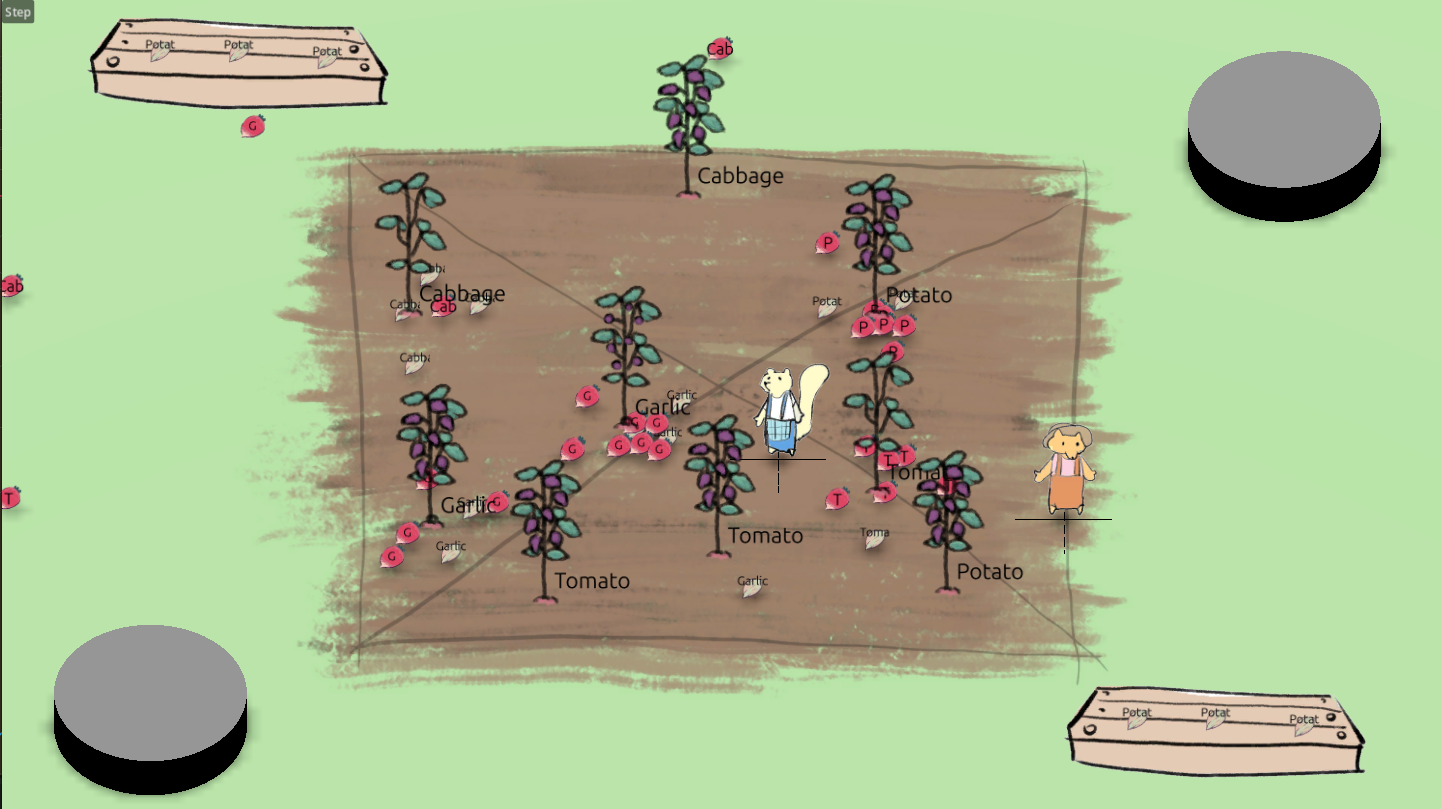
I think it’s time for the watering can.
Billboards and Rigid Bodies in 3D #
More interesting 3D learnings.
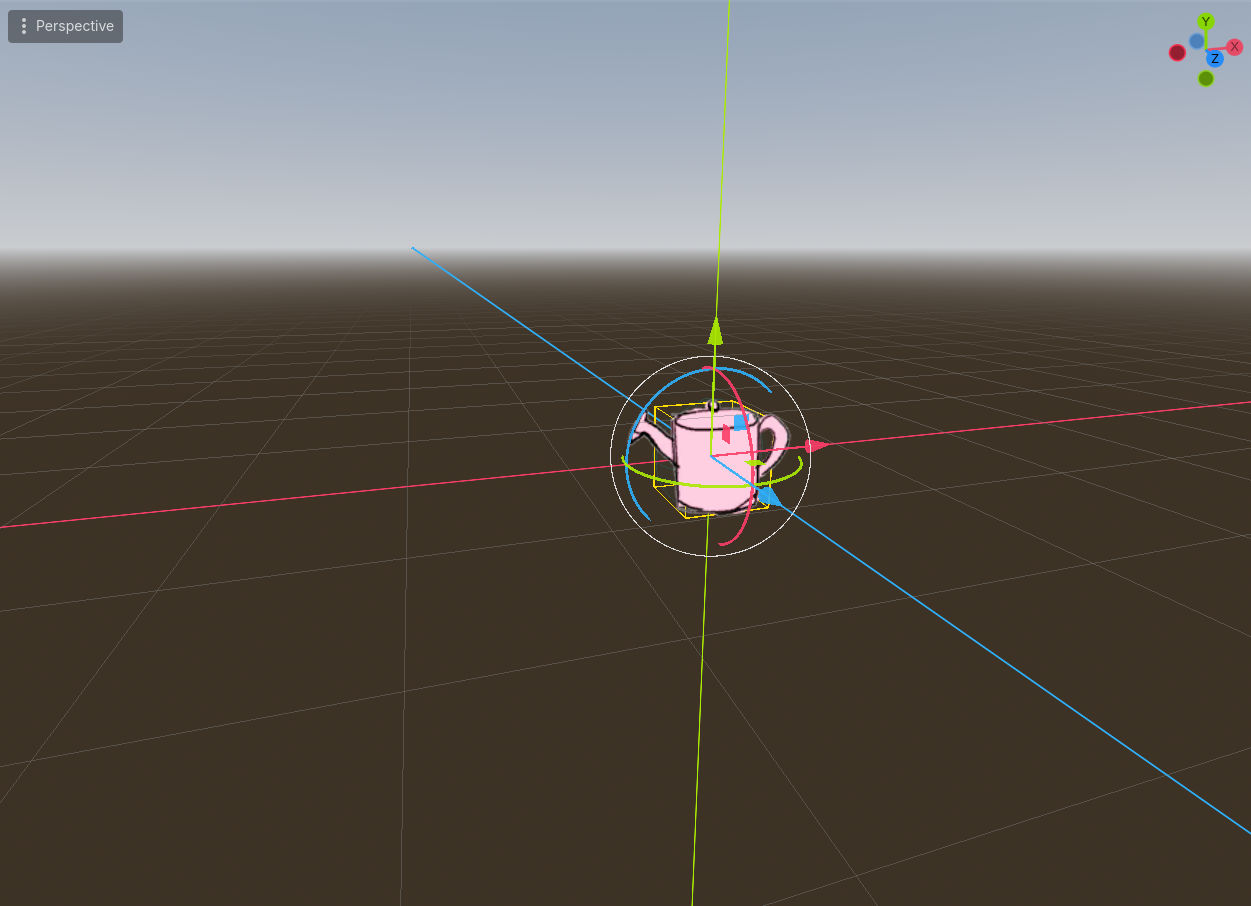
The watering can is one of the game objects where I do want to use billboarding. But getting the settings just right so that it behaves properly when tossed took some doing.
One factor was the collision shape. I used cubes for the seeds and crops and a cylinder for the watering can. But that means the billboard sprite moves up and down, for example, if the cube rolls over a corner. And the cylinder doesn’t say upright the way the watering can does so sometimes it was sliding with friction and other times it rolled freely.
Another factor was alignment of the collision shape and the artwork. When I switched to using spheres, as the sphere rolled the billboard sprite would move up and down in a sine wave. I had to make sure the collision shape and the sprite shared the same origin.
One more piece of the puzzle: the collision shape needs to be bigger than the sprite to make sure the sprite doesn’t get submerged into the floor. At first I was trying to move the sprite up along the y-axis to solve that problem but that led to the sine wave behaviour.
I also got my feet wet tweaking physics. The sphere rolls way too far for a watering can. I tried locking rotation but that prevented any horizontal bounce movement on landing which wasn’t pretty either. To solve that I created a physics material with high angular damping. Now it bounces once or twice on landing before settling. Perfect.
Watering Can #
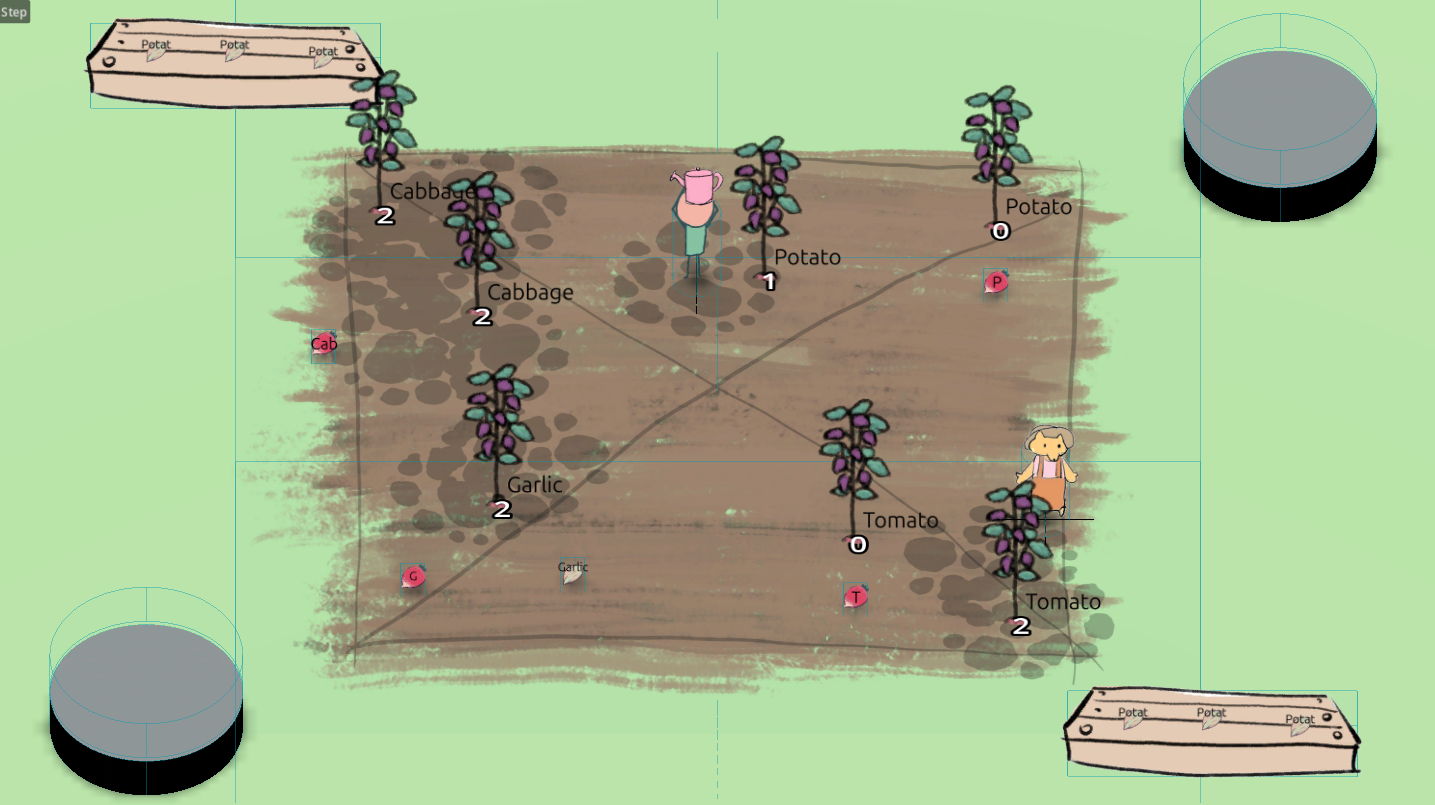
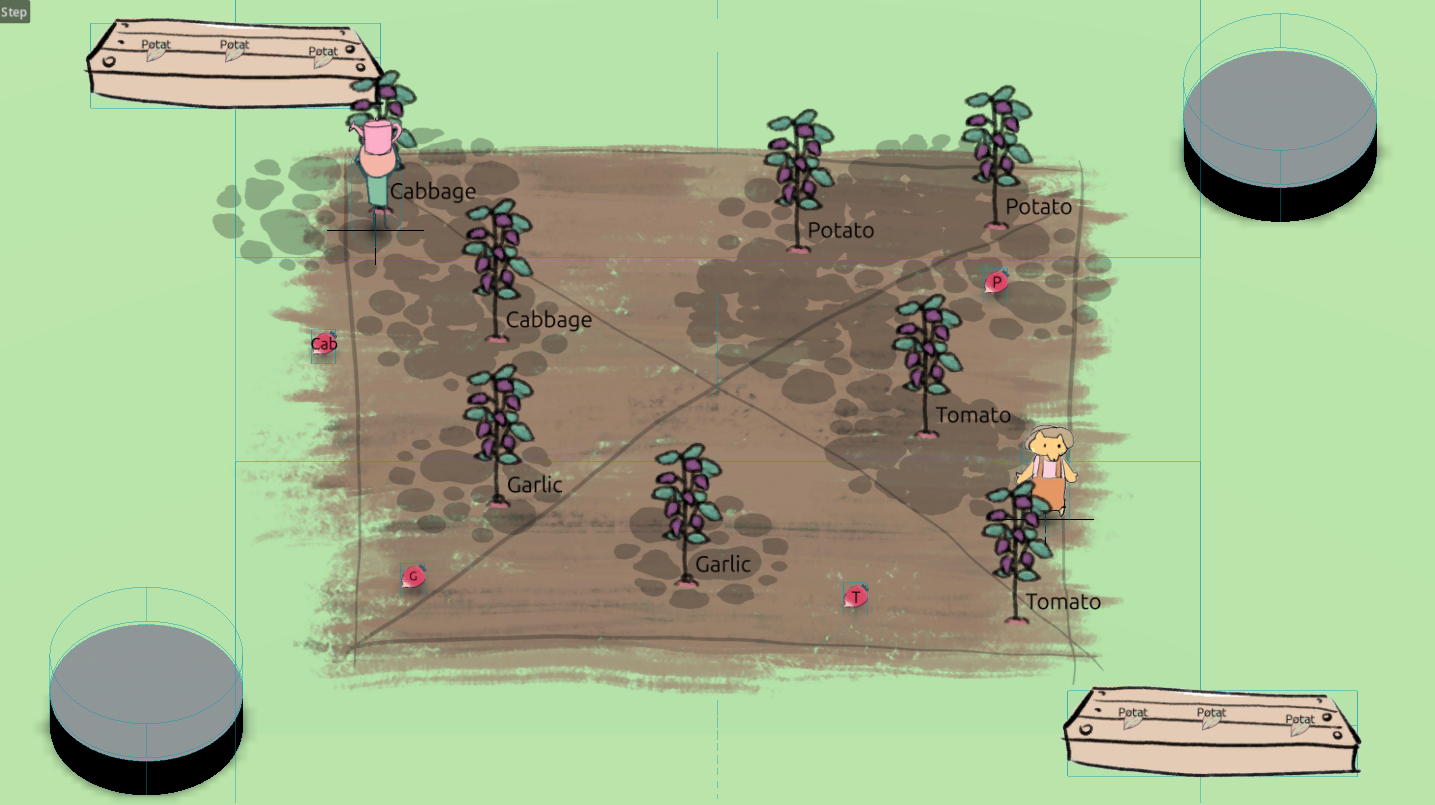
Here’s a test where I’m displaying the water level of each plant. Every time you use the watering can it drops a “soil water” instance. A plant’s water level is just the number of soil water instances it overlaps with.
The soil water sprites are placed in a subviewport in 2D space which is then used as a texture by the ground in 3D space. I had to tweak my math a little bit to get the subviewport and world space to line up correctly but I got there.
If there is more soil water in an area, should it take longer for them to evaporate? Not as much dry air to evaporate to, right?
Maybe down the road. (-:
Billboard with a Spin #
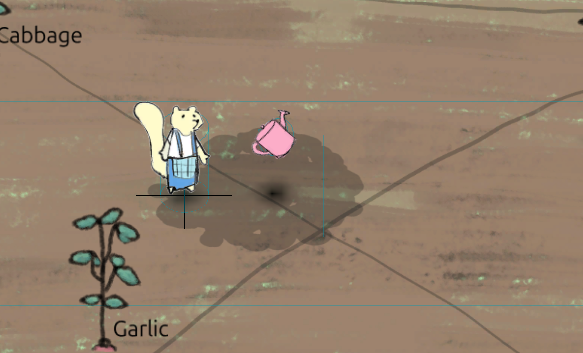
I feel like I’m just asking for trouble with the billboards but I had a new wish. I wanted the watering can to spin when tossed. Godot’s billboard feature can’t rotate at all. Kinda makes sense but I knew adding a spin would really add some juice to chucking a watering can at your buddy.
I tried using a shader Github user thibault wrote to workaround Godot’s billboard limitation. Wasn’t able to get it working. https://github.com/godotengine/godot-proposals/discussions/5821#discussioncomment-13841064
This workaround by aXu-AP, which manually rotates the sprite toward the camera, worked great! https://github.com/godotengine/godot-proposals/discussions/5821#discussioncomment-4327015
Here’s the code I ended up with:
func _process(_delta: float) -> void:
	_angle = fposmod(_angle + TAU / 50, TAU)

	var cam: Camera3D = get_viewport().get_camera_3d()
	var look_pos: Vector3 = cam.global_position

	# First look directly at the camera, then rotate around own axis
	look_at(look_pos, cam.global_transform.basis.y)
	rotate_object_local(Vector3.FORWARD, _angle)
Excellent!