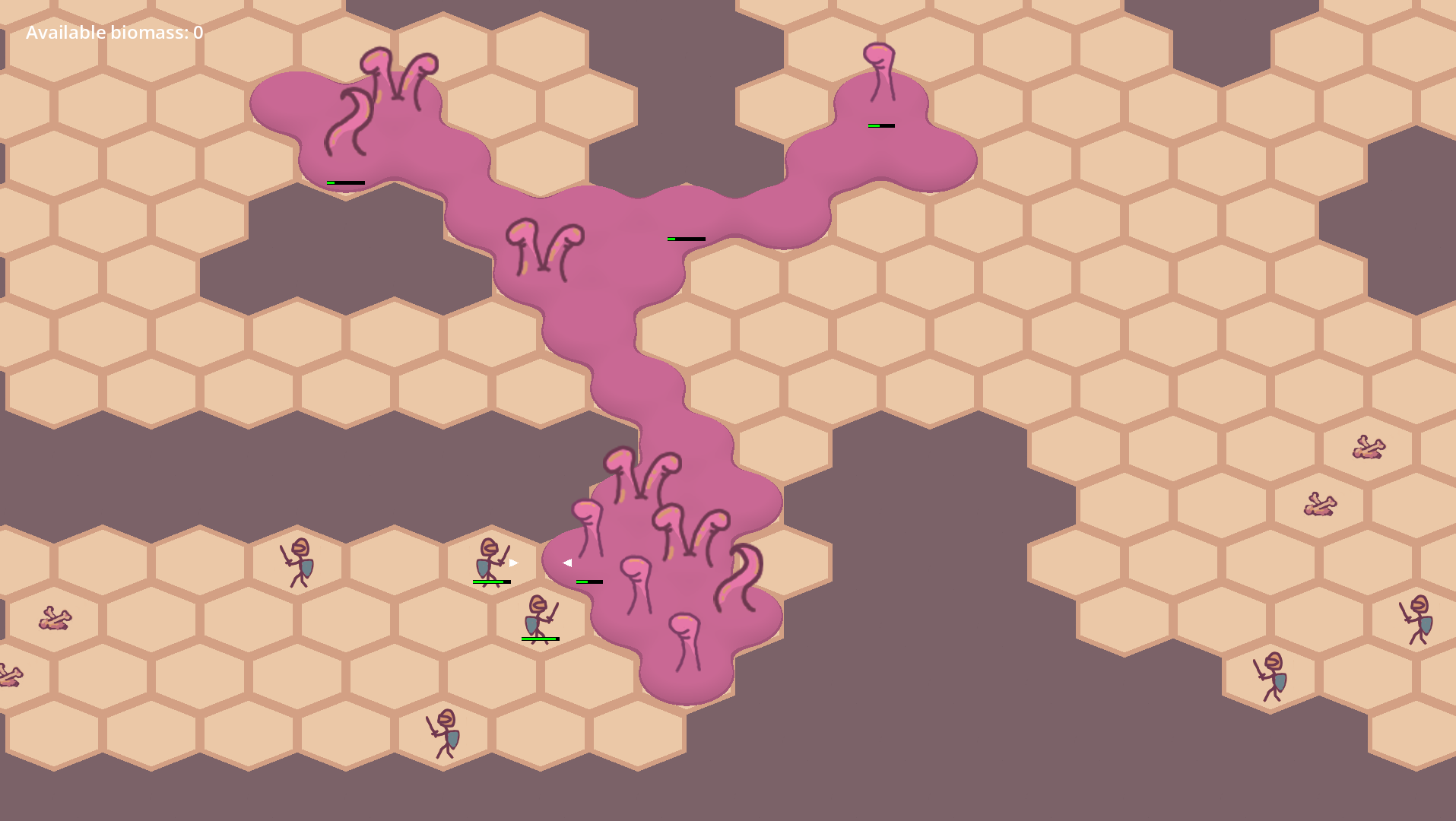
As I add more and more to my Level scene I realize I’m gonna have a problem.
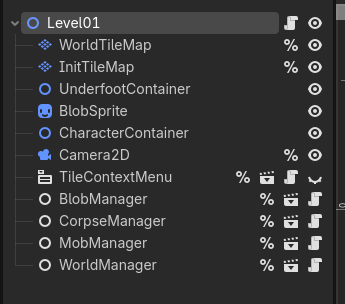
If I have twenty levels and I need to add and wire up a new Manager class in all of them that’s painful. Any logic that all levels have must be factored out to the Game class. Each level should contain as little information as possible to define the level and nothing more.
Right now, I think that consists entirely of the two tile maps. One for the world (floors and walls) and another to define starting positions for various entities.
Here, purple is the blob, red tiles are mobs, and orange tiles are corpses.
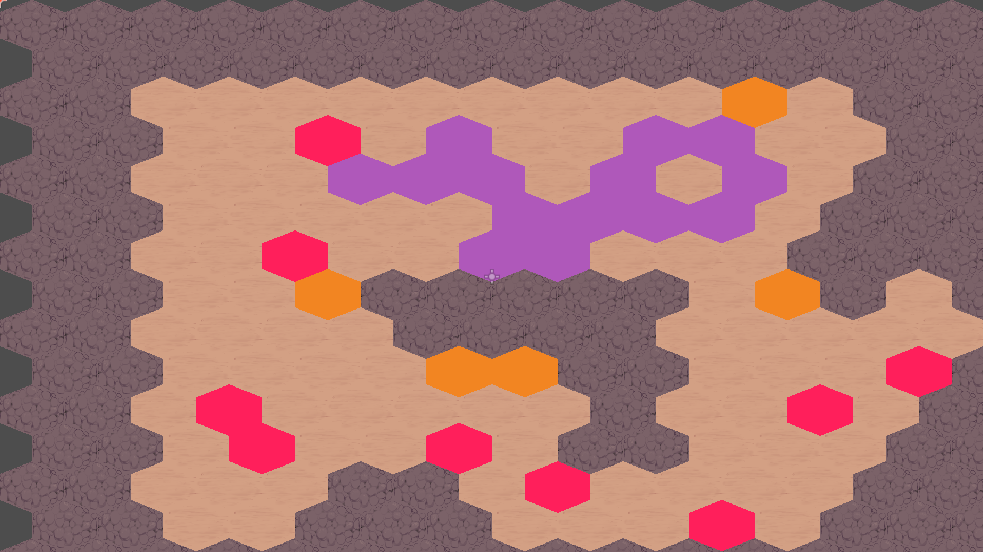
Later I might want to add level-specific artwork which I can position carefully. Because of that, I’m gonna go with importing and displaying the actual level scene instead of retrieving the tile data behind the scenes and filling out another TileMapLayer or something like that.
That turned out to be a really quick change… for now. If I’d done that later with more levels it would’ve been rough.
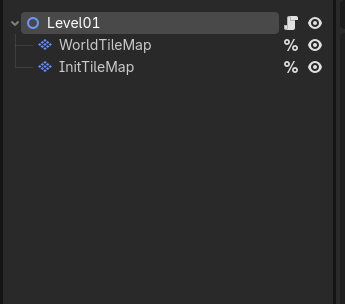
Here’s the Game scene.
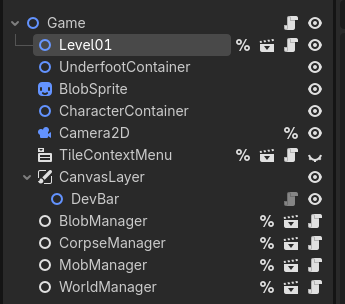
And the new Level scene.
…
Okay, current problem is I want the blob shader to cover the screen. Right now, if the player scrolls the camera the blob clips outside of 1080p. So I’m moving the Sprite2D so that it’s always behind the camera. Could probably use a CanvasLayer to do that automatically, actually… that might help.
Reduces the amount of code so that’s good but doesn’t solve the coordinates problem.
So I store a list of coordinates in world space. Each coordinate represents the position of part of the blob. One cell. The coordinates are currently interpreted in canvas space.
I’ve been trying different built-ins and multiplying matrices to transform to different spaces but to no avail. Yet.
…
I ended up just passing in the offset off the Sprite2D to the shader. It sucks because it means I’m updating the shader on the GPU constantly but it works for now. Lotsa fish to fry so I’m getting moving on adding more organs.
The biomass bulges are working great. When there’s extra biomass available, bulges will form nearby, holding onto the additional meat. It gives a nice visual indication of how much biomass you have to work with without having to resort to the readout in the HUD.
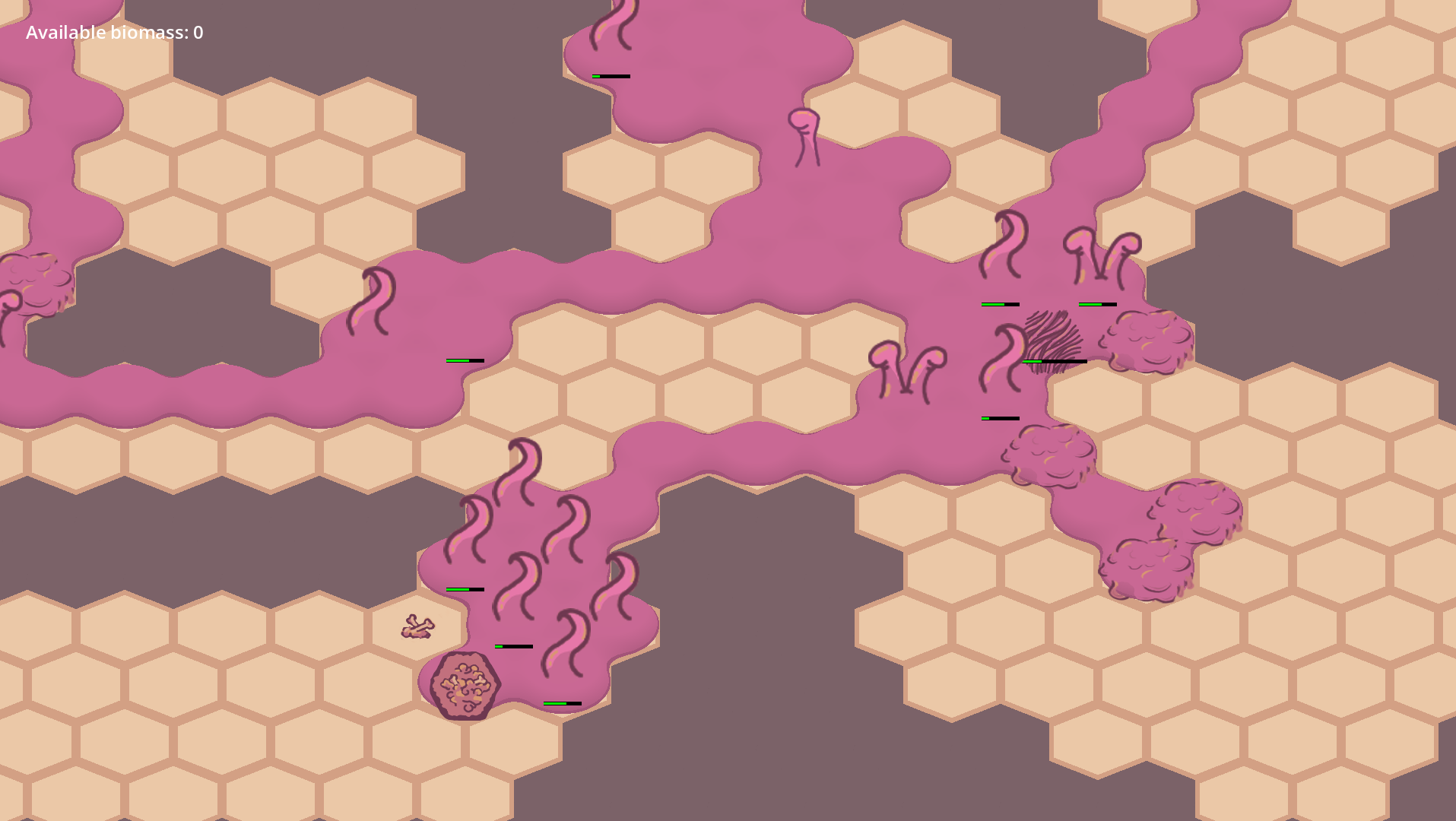
I’m still using placeholder art and some of it is even left over from the prototype but I’m liking the new peptobismol colour. We’ll see if it stays, though. Might go with something darker. Redder.